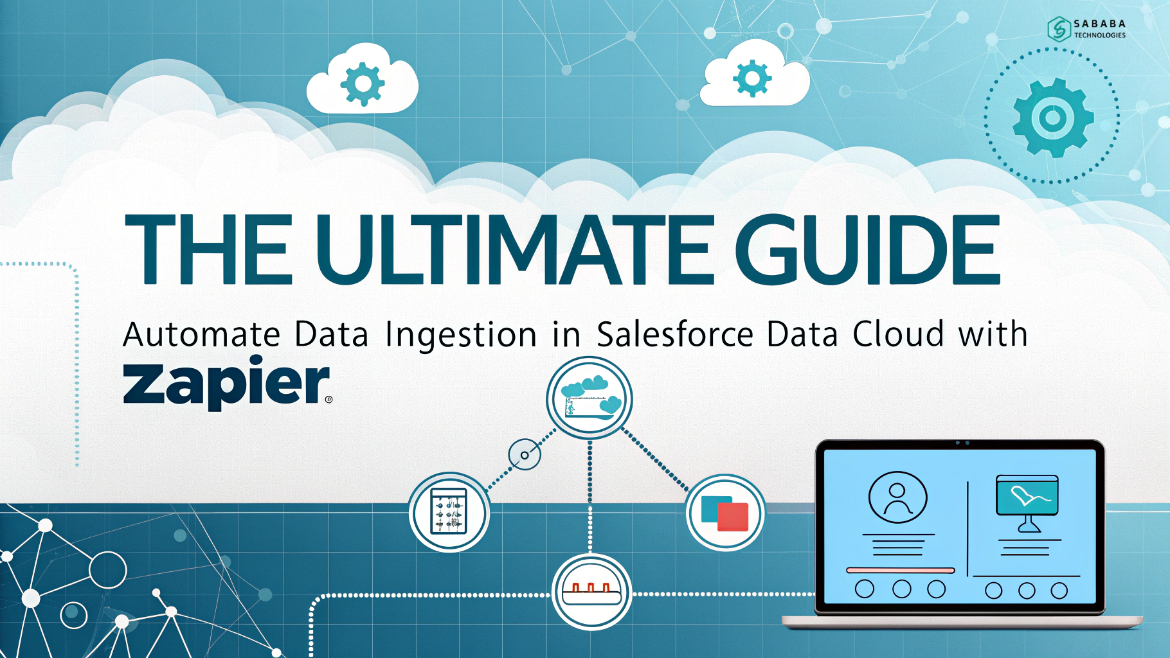
Automate Data Ingestion in Salesforce Data Cloud using Zapier and the Salesforce Data Ingestion API for real-time seamless integration.
Businesses handle massive amounts of customer data every day. However, managing that data across multiple platforms often becomes messy and time-consuming. Therefore, organizations search for smarter ways to connect their systems. One of the best modern solutions is to Automate Data Ingestion in the Salesforce Data Cloud.
Fortunately, Salesforce provides a powerful mechanism called the Salesforce Data Ingestion API. In addition, automation platforms like Zapier make the process even easier. By combining both tools, companies can move information from external apps into Salesforce automatically and reliably.
In this guide, we will explore practical steps, real-world examples, and proven strategies to streamline your integrations. Above all, the goal is to help you save time and eliminate manual effort.
Why Data Ingestion Matters in Salesforce
Every organization collects data from many sources such as:
- Marketing platforms
- CRMs
- Websites
- Spreadsheets
- Customer support tools
However, storing this information in separate systems creates silos. As a result, teams struggle to see a complete picture of customers. To solve this problem, businesses need to Automate Data Ingestion in Salesforce Data Cloud.
When companies connect external systems with Salesforce, they gain:
- Faster decision-making
- Unified customer insights
- Improved sales productivity
- Accurate analytics
- Real-time updates
Clearly, automation plays a vital role in modern CRM strategies.
What Is the Salesforce Data Ingestion API?
The Salesforce Data Ingestion API is a secure interface that allows external applications to push data directly into Salesforce Data Cloud. In simple words, it acts as a digital bridge between Salesforce and other platforms.
Using the Salesforce Data Ingestion API, developers can:
- Send data in real time
- Load bulk records
- Integrate custom applications
- Synchronize marketing and sales systems
- Build scalable data pipelines
Most importantly, this API removes the need for manual imports or CSV uploads.
Because of its flexibility, many companies rely on the Salesforce Data Ingestion API to connect tools like HubSpot, Google Sheets, and internal applications.
Why Use Zapier for Salesforce Data Cloud Integration?
Although APIs are powerful, not every team has coding expertise. This is where Zapier becomes useful.
Zapier is a no-code automation platform that connects thousands of applications. Therefore, even non-technical users can create workflows without writing complex scripts.
By using Zapier together with the Salesforce Data Ingestion API, businesses can easily Automate Data Ingestion in the Salesforce Data Cloud.
Benefits of Zapier Integration
- No programming required
- Quick setup
- Reliable automation
- Event-based triggers
- Seamless app connectivity
Consequently, Zapier turns complex integrations into simple automated workflows.
Real-World Use Case
Imagine a marketing team that captures leads in HubSpot while the sales team works in Salesforce. Traditionally, someone would export contacts from HubSpot and import them into Salesforce. Unfortunately, this process wastes time and often causes delays.
Instead, the company can Automate Data Ingestion in Salesforce Data Cloud. Whenever a new lead appears in HubSpot, Zapier immediately pushes it into Salesforce using the Salesforce Data Ingestion API.
As a result:
- Sales reps receive leads faster
- Follow-ups happen sooner
- Conversion rates improve
- Manual effort disappears
This example shows the true power of automation.
Step-by-Step Process to Automate Data Ingestion
Let us now walk through the major steps required to build this automation.
Step 1 – Prepare Salesforce Data Cloud
First, configure Salesforce Data Cloud to accept external data. Create an Ingestion API connection and define the required schema.
This step is essential because the Salesforce Data Ingestion API needs a structured format before accepting records.
Step 2 – Define the API Schema
Next, upload a YAML schema file that describes the fields you want to receive. For example:
- Lead ID
- First Name
- Last Name
- Email
- Phone
- Company
Without this schema, Salesforce cannot process incoming data. Therefore, careful planning is necessary before you Automate Data Ingestion in the Salesforce Data Cloud.
Step 3 – Create a Data Stream
After uploading the schema, create a data stream in Salesforce. This stream acts as a container for all records coming through the Salesforce Data Ingestion API.
Once deployed, Salesforce becomes ready to receive information from external systems.
Step 4 – Build a Salesforce Connected App
To allow Zapier to communicate with Salesforce, create a Connected App. This app provides authentication credentials such as:
- Consumer Key
- Consumer Secret
- API access permissions
These credentials enable secure communication with the Salesforce Data Ingestion API.
Step 5 – Configure Zapier Automation
Now comes the exciting part. In Zapier, create a new Zap with the following flow:
- Trigger: New Contact in HubSpot
- Action: Get Salesforce authentication token
- Action: Request Data Cloud access token
- Action: Send data to Salesforce using webhook
- Optional: Send confirmation email
Through this process, you successfully Automate Data Ingestion in Salesforce Data Cloud without writing a single line of code.
Step 6 – Test the Integration
Finally, create a sample record in HubSpot and verify that it appears inside Salesforce Data Cloud. If everything works correctly, your automation is complete.
At this point, the Salesforce Data Ingestion API handles all incoming records automatically.
Best Practices for Reliable Automation
To ensure long-term success, follow these recommendations:
- Validate data before sending
- Use proper error handling
- Secure API credentials
- Monitor logs regularly
- Keep field mappings consistent
By applying these tips, you can confidently Automate Data Ingestion in Salesforce Data Cloud at scale.
Common Challenges and How to Overcome Them
Even with strong tools, integrations may face issues such as:
- Authentication failures
- Incorrect field formats
- Duplicate records
- API limits
However, with proper planning and the right use of the Salesforce Data Ingestion API, these challenges become manageable.
Testing each step carefully prevents most problems in advance.
Who Should Use This Approach?
This method is ideal for:
- Salesforce administrators
- Marketing operations teams
- CRM managers
- Small and mid-size businesses
- Integration consultants
Anyone who wants to simplify data movement can benefit from learning how to Automate Data Ingestion in Salesforce Data Cloud.
Future of Data Automation
Automation continues to reshape the way companies operate. As more platforms adopt APIs, the role of tools like the Salesforce Data Ingestion API will grow even further.
In the future, real-time integrations will become the standard rather than the exception.
To sum up, modern businesses cannot rely on manual data transfers anymore. Automation is essential for speed, accuracy, and efficiency. By using Zapier together with Salesforce integration tools, organizations can easily streamline and automate data flow into the Salesforce platform.
This approach reduces human effort, improves data quality, and connects critical systems in real time. Moreover, it empowers teams to focus on strategy instead of repetitive tasks.
If you want smoother operations and smarter CRM processes, implementing this integration is a smart move. Start small, test carefully, and gradually expand your workflows. Once set up, the system will work tirelessly in the background—saving time and driving better business results.
FAQs
1. What is the Salesforce Data Ingestion API used for?
The Salesforce Data Ingestion API allows external applications to send data directly into Salesforce Data Cloud securely and programmatically.
2. Do I need coding skills to automate data ingestion?
No. With tools like Zapier, you can Automate Data Ingestion in Salesforce Data Cloud without writing any code.
3. Can I integrate HubSpot with Salesforce using this method?
Yes. Zapier combined with the Salesforce Data Ingestion API makes HubSpot-to-Salesforce automation simple and reliable.
4. Is real-time data sync possible?
Absolutely. When you Automate Data Ingestion in Salesforce Data Cloud, records can be pushed instantly as soon as they are created.
5. Is this integration secure?
Yes. The Salesforce Data Ingestion API uses authentication tokens and secure protocols to protect your data.
Feeling more like puzzles than solutions? That’s when Sababa steps in.
At Sababa Technologies, we’re not just consultants, we’re your tech-savvy sidekicks. Whether you’re wrestling with CRM chaos, dreaming of seamless automations, or just need a friendly expert to point you in the right direction… we’ve got your back.
Let’s turn your moments into “Aha, that’s genius!”
Chat with our team or shoot us a note at support@sababatechnologies.com. No robots, no jargon, No sales pitches —just real humans, smart solutions and high-fives.
P.S. First coffee’s on us if you mention this blog post!