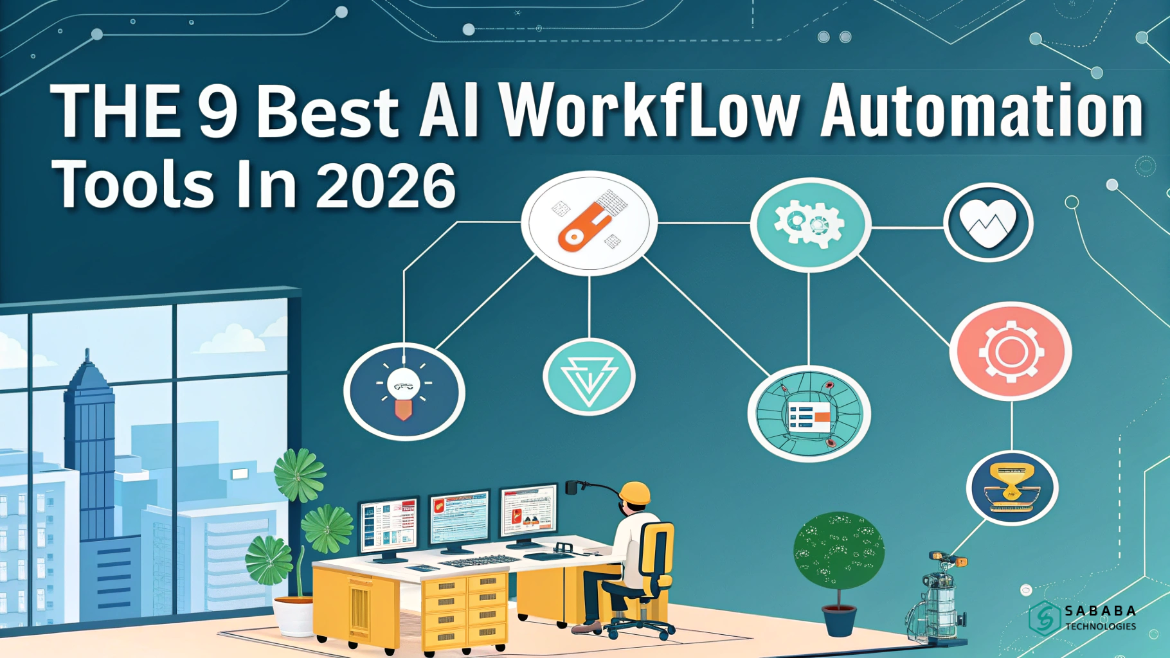
Discover the best AI workflow automation tools in 2026. Learn how modern AI workflow automation tools help teams automate smarter, scale faster, and work with precision.
Automation alone saved teams time. However, automation combined with intelligence is changing how work actually gets done. In 2026, AI workflow automation tools no longer just move data between apps. Instead, they interpret intent, adapt to context, and make informed decisions mid-process.
As businesses grow more complex, the demand for the best AI workflow automation tools continues to rise. From solo founders to enterprise teams, everyone now looks for systems that reduce friction without sacrificing control. In this guide, we break down the top platforms shaping AI-driven workflows this year and explain where each one truly shines.
What Makes AI Workflow Automation Different?
Traditional automation follows fixed rules. AI-driven automation behaves differently. It learns patterns, responds to edge cases, and improves over time. Because of that, modern AI workflow automation tools feel less rigid and more responsive.
Moreover, these tools can summarize content, classify data, generate text, and trigger decisions dynamically. Still, smart teams avoid full autopilot. They design workflows that include human checkpoints, ensuring quality remains intact.
How We Evaluated the Best Tools
Before selecting the best AI workflow automation tools, we evaluated each platform using real-world criteria:
- Flexibility and customization
- Integration depth
- Pricing scalability
- Visual workflow clarity
- Security and governance
- Performance under load
As a result, this list balances usability with long-term reliability.
The 9 Best AI Workflow Automation Tools in 2026
1. n8n – Flexible Automation Without Limits
n8n leads the pack for teams that value freedom. Among all AI workflow automation tools, it offers unmatched control through JavaScript and Python steps, self-hosting options, and transparent pricing.
Additionally, developers appreciate its deterministic behavior. While the learning curve exists, the payoff is substantial. For teams that plan to scale, n8n often becomes the long-term choice among the best AI workflow automation tools.
Best for: Technical teams and enterprises
Why it stands out: Source-available, execution-based pricing
2. Zapier – Simplicity for Everyday Automation
Zapier remains one of the most accessible AI workflow automation tools on the market. Its interface feels familiar, and its massive integration library reduces setup time.
However, while Zapier works well for straightforward use cases, advanced teams may feel boxed in. Even so, for beginners exploring the best AI workflow automation tools, Zapier offers a gentle entry point.
Best for: Non-technical users
Why it stands out: 8,000+ integrations
3. Make – Visual Precision for Complex Scenarios
Make focuses on visual logic and data control. Compared to other AI workflow automation tools, it gives users granular control over each step.
That said, cost planning requires care. Because Make charges per operation, complex workflows can scale quickly. Still, many consider it one of the best AI workflow automation tools for scenario-based automation.
Best for: Automation specialists
Why it stands out: Detailed visual builder
4. Gumloop – Purpose-Built AI Workflows
Gumloop takes a focused approach. Instead of trying to do everything, it supports niche workflows with AI at the core. Among newer AI workflow automation tools, it prioritizes templates and guided learning.
While its UI can feel dense, teams with specific goals often find value faster. It earns its place among the best AI workflow automation tools for targeted use cases.
Best for: Niche AI workflows
Why it stands out: Industry-focused templates
5. Lindy.ai – Straightforward and Lightweight
Lindy.ai appeals to teams that want results without complexity. It works well for emails, meetings, and sales follow-ups.
However, customization options remain limited. As workflows grow, teams may outgrow the platform. Still, Lindy.ai fits well for simple, everyday operations.
Best for: Small teams
Why it stands out: Ease of use
6. Agentforce – Salesforce-Native Automation
Agentforce serves Salesforce-centric organizations. It connects CRM data with intelligent agents, making it a more specialized option.
Because pricing targets enterprise users, smaller teams may hesitate. Yet, for Salesforce-heavy environments, Agentforce remains a strong contender.
Best for: Salesforce enterprises
Why it stands out: Deep CRM integration
7. Workato – Enterprise-Grade Orchestration
Workato delivers governance, security, and scale. In enterprise environments, it excels in compliance and observability.
Although setup demands technical resources, large organizations often accept that tradeoff. For regulated industries, it remains a reliable option.
Best for: Large organizations
Why it stands out: Enterprise security
8. AirOps – SEO and Content Automation
AirOps focuses on content and SEO workflows. Unlike more general platforms, it integrates directly with marketing data sources.
For content teams, this specialization matters. While it lacks broad integrations, it still stands out as a strong option for search and content-focused operations.
Best for: Content and SEO teams
Why it stands out: Marketing-focused automation
9. ChatGPT Agent Builder – Native AI Experimentation
ChatGPT Agent Builder offers built-in automation for OpenAI users. Compared to other platforms, it requires minimal setup.
However, limitations around triggers and governance exist. Still, it provides value for users already subscribed to ChatGPT and exploring automation capabilities in a more casual way.
Best for: OpenAI users
Why it stands out: No extra infrastructure
How to Choose the Right Tool
Choosing among the best AI workflow automation tools depends on a few realities:
- Your technical comfort level
- Security requirements
- Budget tolerance
- Workflow complexity
Rather than chasing features, focus on fit. The most effective platforms align with how your team already works.
Automation has matured. In 2026, leading solutions support thoughtful design rather than blind execution. While n8n leads in flexibility, platforms like Zapier, Make, and Workato serve distinct needs.
Ultimately, the right choice depends on control, scale, and purpose. Start small, test assumptions, and refine workflows over time. When used wisely, these systems become a quiet force multiplier rather than a risky experiment.
FAQs
1. What are AI workflow automation tools?
Automation platforms enhanced with intelligence allow workflows to adapt, generate outputs, and make decisions dynamically as conditions change.
2. Which platform tops the list in 2026?
n8n stands out due to flexibility, self-hosting, and cost transparency, making it one of the best AI workflow automation tools.
3. Are no-code tools reliable for AI workflows?
Yes, many AI workflow automation tools support no-code users, though complex workflows may require technical platforms.
4. How do I control AI-generated actions?
Use human-in-the-loop checkpoints. Most of the best AI workflow automation tools support manual approvals.
5. Do these tools replace developers?
No. AI workflow automation tools assist teams, but developers still design, validate, and maintain reliable systems.
Feeling more like puzzles than solutions? That’s when Sababa steps in.
At Sababa Technologies, we’re not just consultants, we’re your tech-savvy sidekicks. Whether you’re wrestling with CRM chaos, dreaming of seamless automations, or just need a friendly expert to point you in the right direction… we’ve got your back.
Let’s turn your moments into “Aha, that’s genius!”
Chat with our team or shoot us a note at support@sababatechnologies.com. No robots, no jargon, No sales pitches —just real humans, smart solutions and high-fives.
P.S. First coffee’s on us if you mention this blog post!