Enhance efficiency with Agentforce Automation for Salesforce Admins and smart Salesforce Admin AI Productivity Tools.
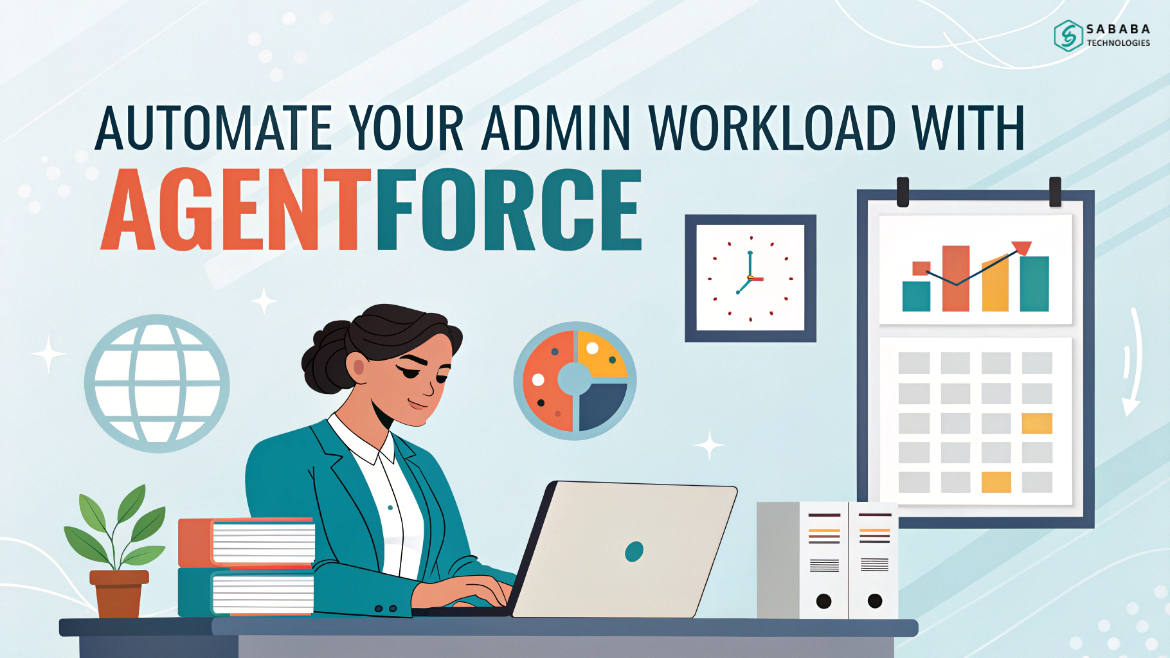
Automate Your Admin Workload With Agentforce
Salesforce Admins carry an extraordinary responsibility: supporting users, maintaining data integrity, resolving unexpected issues, and simultaneously planning for long-term growth. However, the constant tug-of-war between strategic work and everyday maintenance can quickly drain your productivity. This is exactly where Agentforce Automation for Salesforce Admins becomes a breakthrough solution.
By pairing natural language with intelligent workflows, Agentforce transforms administration into a more fluid, predictable, and less repetitive experience. Moreover, as organizations demand speed, accuracy, and seamless operations, adopting modern Salesforce Admin AI Productivity Tools becomes less of a luxury and more of a necessity.
Why Admin Workloads Demand a Smarter Approach
Salesforce environments evolve rapidly. New features arrive, data floods in, and users need support instantly. Consequently, admins often spend more time firefighting than innovating. Yet, when you integrate Agentforce Automation for Salesforce Admins, the balance shifts. Suddenly, tasks like merging duplicates, granting report access, surfacing pipeline updates, or summarizing records become conversational actions that run themselves.
Because of this, you reclaim hours every week—time that can fuel strategic improvements, user training, or the fine-tuning your org deserves.
How Agentforce Actually Works Behind the Scenes
At its core, Agentforce uses instruction sets, prompt templates, flows, and data libraries to convert natural language into action. But instead of relying solely on standard automation, Salesforce Admins can expand capabilities using custom actions.
1. Instruction Sets That Understand Your Language
When you clarify phrases such as “show duplicate contacts” or “summarize this opportunity,” the agent connects those commands to predefined automations. As a result, Agentforce Automation for Salesforce Admins feels almost intuitive—like a digital teammate who understands your workflow nuances.
2. Custom Actions for Tailored Business Needs
Even though standard actions are helpful, custom actions elevate the experience. You can trigger auto launched flows, execute Apex invocable actions, or deliver structured outputs using prompt templates. This combination represents one of the most powerful Salesforce Admin AI Productivity Tools available today.
Real Use Cases That Cut Hours From Admin Work
Handling Duplicates Instantly
Instead of running reports or navigating multiple screens, a simple command can identify and present duplicates. With Agentforce Automation for Salesforce Admins, merging becomes a swift, on-demand process.
Granting Report Access in Seconds
Admins often lose time hopping into sharing settings. Now, they can simply say, “Give access to this report,” and let the agent handle the background steps.
Viewing Activity History Effortlessly
Before a sales call or support escalation, you can request, “Show me the activity history for this contact.” This eliminates digging through pages, especially helpful when using Salesforce Admin AI Productivity Tools to prepare quickly.
Surfacing Weekly Opportunities
Sales leaders often want updates that are concise yet insightful. Custom actions allow you to deliver exactly the formatting and data they prefer.
Advanced Tools That Push Automation Further
While custom actions are the foundation, advanced capabilities like Prompt Builder and RAG extend what’s possible.
Prompt Builder for Structured, Perfectly Worded Outputs
Need a summary email, a weekly report, or a project brief? Prompt templates allow you to define tone, structure, and required fields—making Agentforce Automation for Salesforce Admins even more precise.
RAG (Retrieval-Augmented Generation) for Knowledge Answers
Admins frequently deal with documents, onboarding guides, and internal policies. With RAG, the agent can answer questions based on PDFs and knowledge libraries—one of the most underrated Salesforce Admin AI Productivity Tools.
Why Every Admin Should Build Their Own AI Agent
Every business has internal terminology, custom processes, and unique approval flows. When your AI agent understands these elements, it becomes an indispensable support system.
You can create commands such as:
- “Create a case for this customer with these details.”
- “Summarize this opportunity with key takeaways.”
- “Run the overdue invoice flow tonight.”
This level of personalization reinforces the power of Agentforce Automation for Salesforce Admins, while ensuring that your org becomes more self-sufficient.
And as adoption grows, these enhanced Salesforce Admin AI Productivity Tools help eliminate tedious tasks, reduce errors, and empower both admins and non-technical users.
Agentforce isn’t just a new feature—it’s a shift in how Salesforce Admins work. Instead of juggling endless tasks, you can convert natural language into automated actions that deliver consistent, reliable results. By harnessing Agentforce Automation for Salesforce Admins and incorporating advanced Salesforce Admin AI Productivity Tools, you can finally focus on innovation rather than maintenance.
The future of admin work is conversational, efficient, and deeply intelligent. And with Agentforce, that future is already here.
FAQs
1. How does Agentforce help Salesforce Admins save time?
Agentforce reduces manual clicks by turning routine tasks into natural language commands powered by automation.
2. Do I need technical expertise to use Agentforce?
No. Standard actions work immediately, while custom actions can be created using low-code tools like Flow.
3. What kind of tasks can Agentforce automate?
Merging duplicates, granting access, summarizing records, retrieving document insights, creating cases, and more.
4. Can non-technical users benefit from Agentforce?
Absolutely. With clear instruction sets, non-technical users can access the right information without admin intervention.
5. How do custom actions enhance automation?
They allow admins to build specialized flows, Apex logic, and structured outputs tailored to unique business processes.
Feeling more like puzzles than solutions? That’s when Sababa steps in.
At Sababa Technologies, we’re not just consultants, we’re your tech-savvy sidekicks. Whether you’re wrestling with CRM chaos, dreaming of seamless automations, or just need a friendly expert to point you in the right direction… we’ve got your back.
Let’s turn your moments into “Aha, that’s genius!”
Chat with our team or shoot us a note at support@sababatechnologies.com. No robots, no jargon, No sales pitches —just real humans, smart solutions and high-fives.
P.S. First coffee’s on us if you mention this blog post!