Learn how Identity Governance and Administration in Salesforce protects sensitive data and strengthens overall security for growing teams.
Identity Governance and Administration in Salesforce:
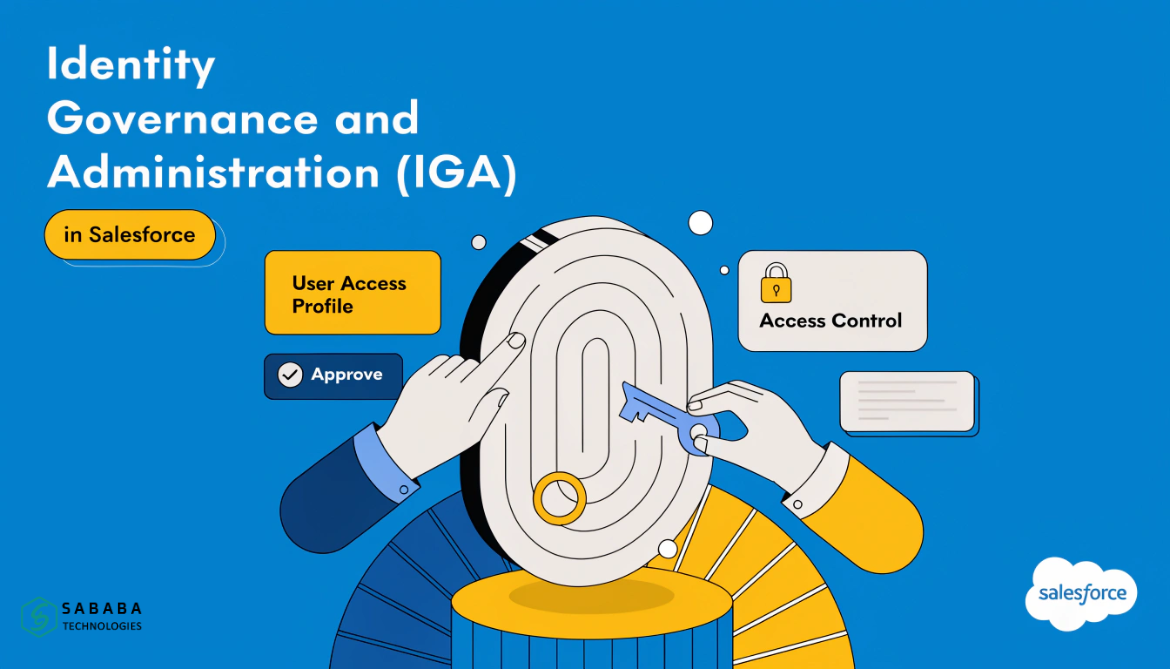
Every Salesforce org holds something valuable: customer records, financial details, and sometimes health data too. As teams grow, more people get access to that information, and keeping track of who can see what becomes harder than most admins expect. This is exactly where Identity Governance and Administration in Salesforce steps in.
If you run a Salesforce org with more than a handful of users, you have probably already faced this problem without naming it. Someone changed departments last year but still has their old permissions. An intern left six months ago, yet their login still works. These small gaps add up, and they are the reason Identity Governance and Administration in Salesforce has become a topic admins can no longer ignore.
What Identity Governance and Administration Actually Means
Identity Governance and Administration, often shortened to IGA, covers two connected jobs.
The first is governance: deciding who should have access to what, based on their role, and keeping a record of every decision. The second is administration: actually creating, updating, and removing user accounts as people join, move within, or leave the company.
Put simply, governance asks “should this person have access?” and administration handles “let’s make that access happen or take it away.” Salesforce identity and access management works best when both pieces move together instead of being handled by separate, disconnected processes.
A well-run IGA setup makes sure three things stay true at all times:
- Only the right people can reach sensitive records
- Every access change is logged and can be explained later
- Old permissions get removed once someone no longer needs them
None of this sounds glamorous, but it is the difference between passing a security audit calmly and scrambling through spreadsheets the night before one.
Why Salesforce Admins Cannot Skip This
Salesforce was built as a CRM, but for most companies, it has quietly turned into a central business system. Sales teams, support agents, finance staff, and sometimes HR all touch the same org from different angles. Without solid Identity Governance and Administration in Salesforce, this mix creates real risk.
Consider what happens without it. A former employee’s account stays active for months. A sales rep somehow gains access to payroll fields. An auditor asks who approved a permission change last quarter, and nobody has an answer. These are not rare edge cases; they happen in orgs of every size once user counts climb past a few dozen.
Strong Salesforce identity and access management prevents these situations before they turn into incidents. It also keeps companies aligned with regulations like GDPR and HIPAA, which expect businesses to prove who accessed sensitive data and why.
The Building Blocks of IGA in Salesforce
Identity Governance and Administration is not one single feature you switch on. It is a combination of practices working together inside your org.
Role-Based Access Control
Instead of assigning permissions person by person, role-based access ties permissions to job functions. A support agent role sees cases and contacts. A finance role sees invoices and payment records. This keeps access predictable and easy to audit later.
Access Reviews and Certifications
Periodic check-ins, usually every quarter, confirm that each user still needs their current access. Managers or system owners sign off on these reviews, and anything unnecessary gets revoked. Skipping this step is how orgs end up with the “employee left but access remained” problem.
Segregation of Duties
Certain tasks should never sit with one person. The employee who approves an expense should not also be the one creating vendor records. Segregation of duties closes this loophole and reduces the chance of fraud or costly mistakes.
Audit Trails
Every access change needs a paper trail: who requested it, who approved it, and when it happened. This record is what turns a stressful compliance audit into a routine formality.
Identity Lifecycle Management
People join, change roles, and eventually leave. Identity Governance and Administration in Salesforce automates these transitions so accounts get created, adjusted, or deactivated without relying on someone remembering to do it manually.
Getting IGA Right: Practical Steps
Setting up Identity Governance and Administration does not require an enterprise-level budget from day one. Start with these steps and build from there.
- Map current access first. Before changing anything, list who has access to what. Most teams are surprised by what they find.
- Use Salesforce’s native tools well. Profiles, roles, and permission sets already cover a lot of ground before you need any third-party tool.
- Apply least privilege as a rule, not an afterthought. Give people only what their role requires, nothing extra “just in case.”
- Turn on Multi-Factor Authentication for everyone. This single step blocks a large share of unauthorized access attempts.
- Schedule access reviews on your calendar. Quarterly reviews work well for most teams; skipping them is where governance quietly falls apart.
- Document the policy. Write down your access rules somewhere new admins can find them. Institutional memory is not a security strategy.
Companies that treat Identity Governance and Administration in Salesforce as an ongoing habit, rather than a one-time project, tend to avoid the painful cleanup that comes from years of unchecked access.
Identity Governance and Administration in Salesforce is not about adding red tape to your org. It is about knowing, at any moment, exactly who can see what and why. For growing teams, this clarity saves time during audits, reduces security risks, and builds trust with customers whose data lives inside your Salesforce instance.
Salesforce identity and access management works best when it is treated as routine maintenance, not a one-off fix. Start small, review often, and the rest becomes far easier to manage.
FAQs
1. What is the difference between IGA and IAM in Salesforce?
IAM, or Identity and Access Management, is the broader category covering authentication and access controls. IGA sits inside IAM and focuses specifically on governance: deciding who should have access and keeping records of those decisions.
2. How often should access reviews happen in Salesforce?
Most organizations run access reviews quarterly. Companies handling highly sensitive data, such as health or financial records, sometimes review access monthly instead.
3. Can small Salesforce orgs skip Identity Governance and Administration?
No. Even small teams benefit from basic role-based access and periodic reviews. Problems are just easier to fix early, before user counts grow and access sprawl gets harder to untangle.
4. Does Salesforce have built-in IGA features?
Yes. Profiles, permission sets, role hierarchies, and MFA are all native to Salesforce and cover much of the governance groundwork. Larger organizations often add third-party IGA tools for deeper automation and reporting.
5. What happens if a company ignores IGA in Salesforce?
Ignoring it usually leads to over-permissioned users, inactive accounts that never get deactivated, and failed audits. In regulated industries, it can also mean fines for non-compliance with data protection laws.